Opening an online casino account should be straightforward, but it is worth taking a moment to check the details before signing up. This guide explains how to create an account at ZeSlots Casino, what UK players may need to provide, and how to approach registration responsibly. Site features, available games and payment options can change, so confirm the current terms directly on the casino website before depositing.
Before you register
First, make sure you are using the genuine ZeSlots Casino website; Check the address carefully, especially if you reached it through an advertisement or a search result. Look for clear information about the operator, licensing, age restrictions, terms and conditions, privacy practices, and responsible-gambling support. UK players should confirm that the service is authorised to accept customers in Great Britain; do not assume that a casino is UK-licensed simply because it accepts pounds or displays British-themed promotions.
You must be at least 18 to gamble in the UK. Registration is not a substitute for checking whether online gambling is legal where you live, and players in Northern Ireland should consider the rules that apply to their location. If the site’s licensing details or ownership are unclear, pause rather than entering personal or payment information.
Have your details ready
Use accurate information that matches your identity and, where relevant, your payment account. You may be asked for your full name, date of birth, email address, phone number, home address, and preferred currency. It can also help to have access to your email and mobile phone in case the site requests a confirmation code. Never register using another person’s details or attempt to bypass age, location, or identity checks.
Step-by-step account creation
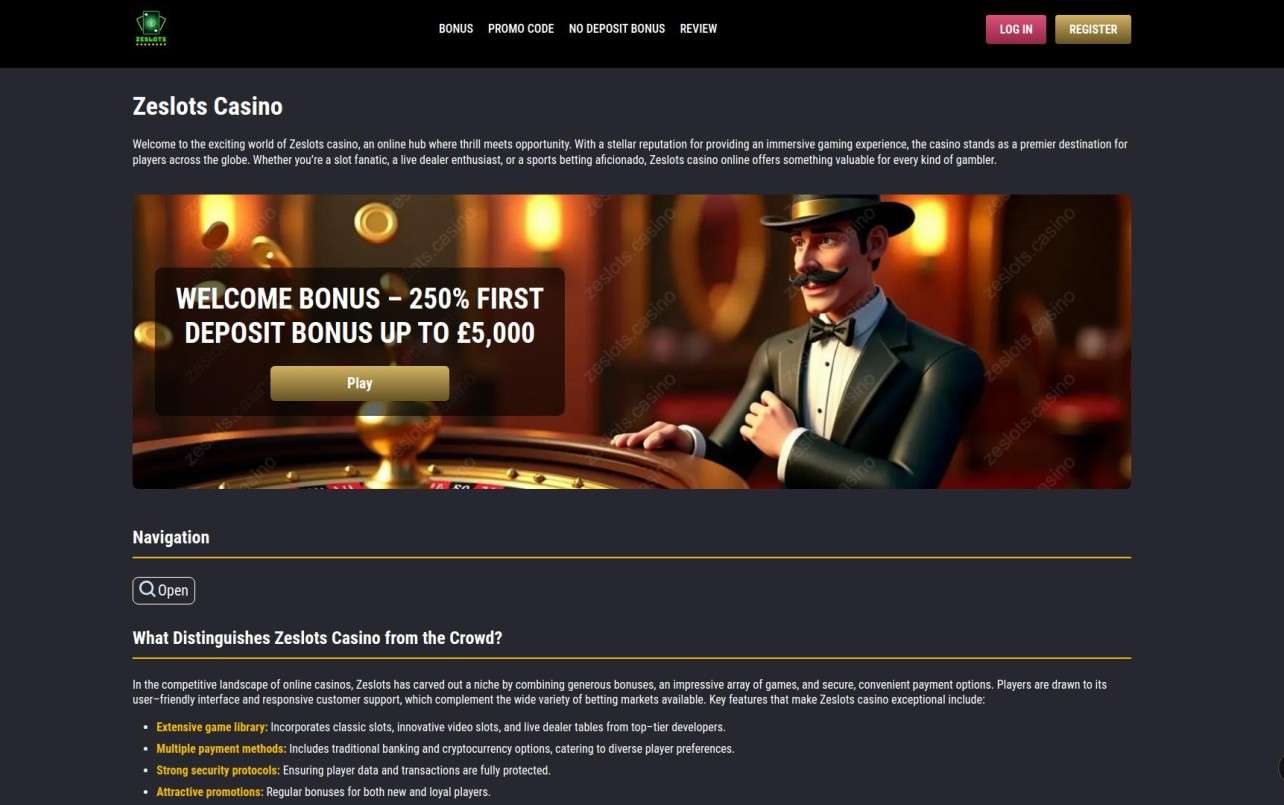
Open the registration page
Visit the official ZeSlots Casino website and choose the option labelled “Register,” “Sign Up,” or similar. The exact wording and layout may vary between desktop and mobile versions. If registration is available only after selecting a game or promotion, check that you are still on the casino’s official domain before continuing.
Enter your personal information
Complete the form carefully. Provide your legal name and correct date of birth, and enter an address where you can receive correspondence if needed. Use an email account you can access and a phone number that belongs to you. Small mistakes can delay verification or make it harder to recover your account later.
If the form asks for a username, choose one that does not reveal sensitive information. Avoid using your full name, date of birth, or a password you use elsewhere. If a currency choice is offered, check whether pounds sterling are available and read any information about conversion fees before selecting another currency.
Create a strong password
Choose a unique password that is difficult to guess. A password manager can create and store one securely. Do not reuse your email, banking, or social-media password, and do not share casino login details with anyone. If the site offers two-step verification or another account-security feature, consider enabling it.
Review the terms and marketing choices
Read the account terms, privacy notice, bonus rules and any payment conditions before accepting them. Pay particular attention to withdrawal requirements, bonus wagering rules, maximum bet restrictions, expiry dates, and identity checks. Promotional emails and text messages should be optional choices where applicable; select only the communications you actually want to receive.
Do not tick a box simply to get through the form if you do not understand what it means. If anything is unclear, contact support before registering or depositing. A promotion is not guaranteed to be suitable for every player, and bonus funds may have conditions that differ from those for cash balances.
Submit the form and confirm your contact details
Submit the registration form and check your inbox, including junk or spam folders, for a verification message. Follow the instructions to confirm your email address. If the casino sends a code by text, enter it only on the official site. Do not send passwords or one-time codes to someone who contacts you unexpectedly, even if they claim to represent customer support.
Complete identity and age verification
A casino may ask you to verify your identity, age, address, or payment method before allowing certain transactions. This can happen during registration, before a first withdrawal, or at another point in the customer journey. Follow the instructions on the site and use the secure upload process it specifies. Never email identity documents to an address you cannot verify.
Verification requirements vary. The casino may request documents such as proof of identity or address, but you should rely on its current instructions rather than sending extra personal information. If a document is rejected, ask support what needs correcting and how it will be handled. Do not create a second account to get around a verification problem.
Set limits before playing
Once your account is active, review the safer-gambling tools available to you. Depending on the service, these may include deposit, loss or time limits, reality checks, a cooling-off period, or self-exclusion. Set limits before depositing, when you are not responding to the excitement of a game. Gambling should be treated as paid entertainment, not a way to make money or solve financial problems.
Registration checklist for UK players
- Confirm that you are on the genuine ZeSlots Casino website.
- Check the operator’s current licence and whether it is authorised for players in your part of the UK.
- Make sure you meet the age requirement and enter accurate personal details.
- Use a unique password and secure your email account.
- Read the terms, privacy notice, payment rules and promotion conditions.
- Complete verification only through the casino’s stated secure process.
- Set a gambling budget and account limits before playing.
Promotions and welcome offers
A welcome offer may appear during registration or after you create an account, but availability and terms can change. Read the full conditions before opting in. Check whether a deposit is required, which games contribute towards wagering, how long the offer lasts, and whether a maximum withdrawal or maximum bet applies. If the offer does not suit your budget or playing style, you can decline it.
There can be benefits of trying a welcome package first, such as seeing how a promotion works before deciding whether to use it. However, a welcome package is not free money: it may require a qualifying deposit and may impose playthrough conditions. Never deposit more than you can afford to lose just to unlock a bonus, and do not treat bonus participation as a way to improve your chances of winning.
Common registration problems
Email or phone confirmation does not arrive
Check that the contact details were entered correctly, then look in spam, junk, and filtered folders. Wait a short time before requesting another code, since repeated requests may invalidate earlier messages. If the problem continues, use the contact details shown on the official website.
Your information is not accepted
Review spelling, date formats, address details and any selected country or currency. Make sure the details match your documents. If you have moved recently or your payment account uses a different address format, ask support what information is required rather than entering misleading details.
Verification takes longer than expected
Check whether the casino has provided a status update or requested another document. Upload clear, current images through the authorised channel and avoid sending the same files repeatedly unless instructed. Keep a record of support messages, but do not share sensitive documents in public forums or social-media comments.
Questions and answers
Can I register from a mobile phone?
If ZeSlots Casino offers a mobile-friendly website, you may be able to register through your phone’s browser. Use the official site, a secure internet connection, and a device protected by a passcode. The availability of a separate app should be checked on the casino’s website; avoid unofficial downloads.
Do I have to deposit immediately?
Not necessarily. You may be able to create an account and review the lobby or account settings before depositing, although site policies vary. Check the terms for any account inactivity rules and do not add funds until you understand the payment and withdrawal conditions.
Can I open more than one account?
Many online casinos restrict customers to one account. Creating additional accounts can lead to access or payment problems and may breach the terms. If you cannot sign in to an existing account, use the password recovery process or contact support rather than registering again.
What should I do if I decide gambling is no longer enjoyable?
Stop playing and use the account’s time-out or self-exclusion tools if available. In the UK, you can also seek confidential support from organisations such as GamCare. If gambling is affecting your finances, relationships, or wellbeing, consider contacting a support service and your bank for help managing gambling transactions.
Final checks before your first session
Before playing, make sure the account is verified if required, your chosen payment method is permitted, and you understand any fees or processing times. Review the game rules and return-to-player information where provided, remembering that theoretical statistics do not predict an individual result. Keep your deposit within a fixed entertainment budget, take breaks, and stop when you reach your limit.
Creating a ZeSlots Casino account should take only a few steps, but careful checks matter more than speed. Confirm the site’s legitimacy and UK authorisation, use truthful details, protect your login, and read the conditions before accepting an offer or making a deposit. If any essential information is missing or unclear, wait until you can verify it directly with the operator.